01 / 06
Context, gathered
Sketches, references, and the live brief arrive on one shared board.
Architect adds the project context
Nomavek CoWork · Founding beta
A private AI workspace for independent architects and small studios to organise project context, explore directions, and prepare a working board—without handing over the creative process.
Workspace setup + onboarding for one live project. Your project, your judgment.
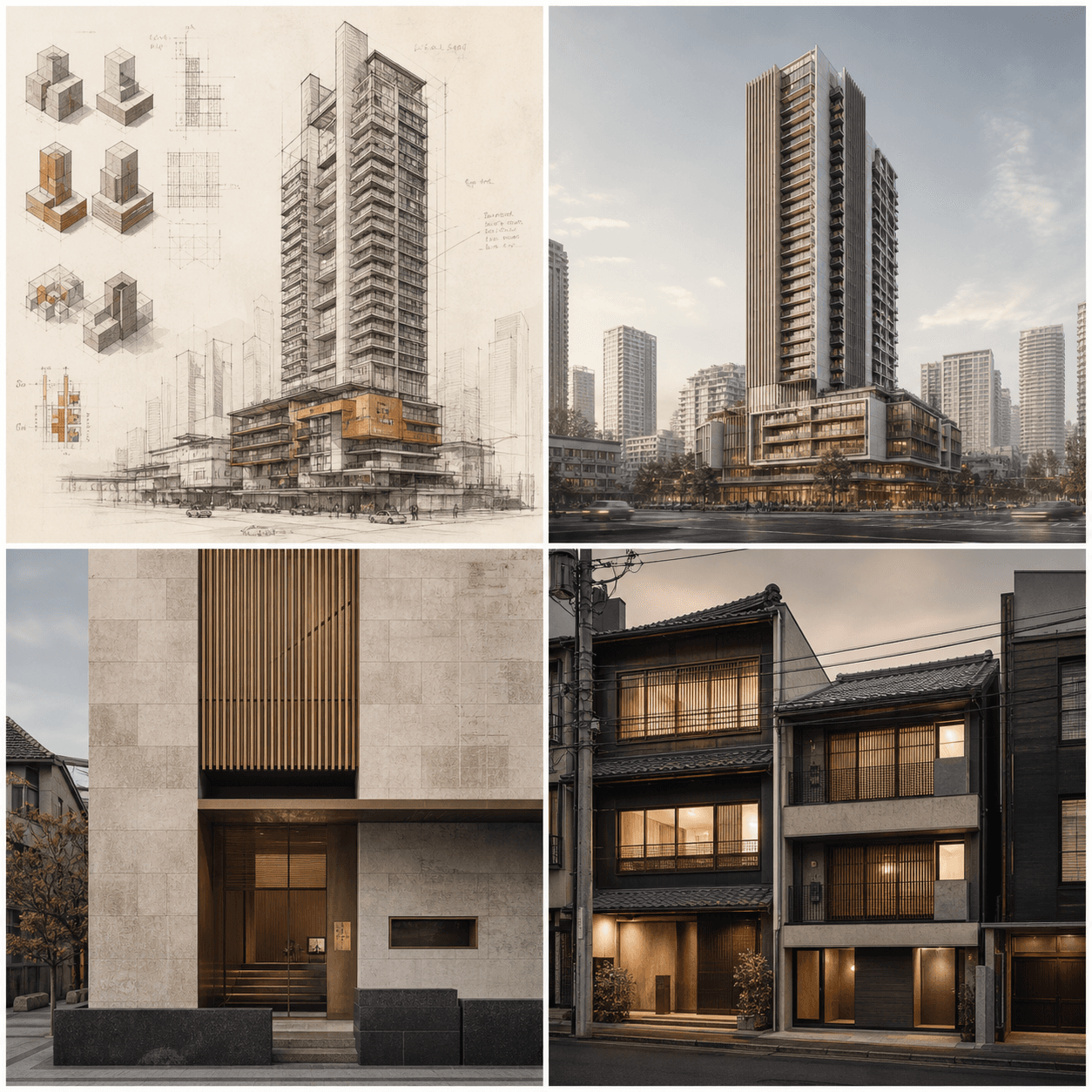
Current decision
Compare the tower and street-edge direction
One project · six decisions
01 / 06
Sketches, references, and the live brief arrive on one shared board.
Architect adds the project context
Working question
How should the tower meet the public street edge?Context organised by Novie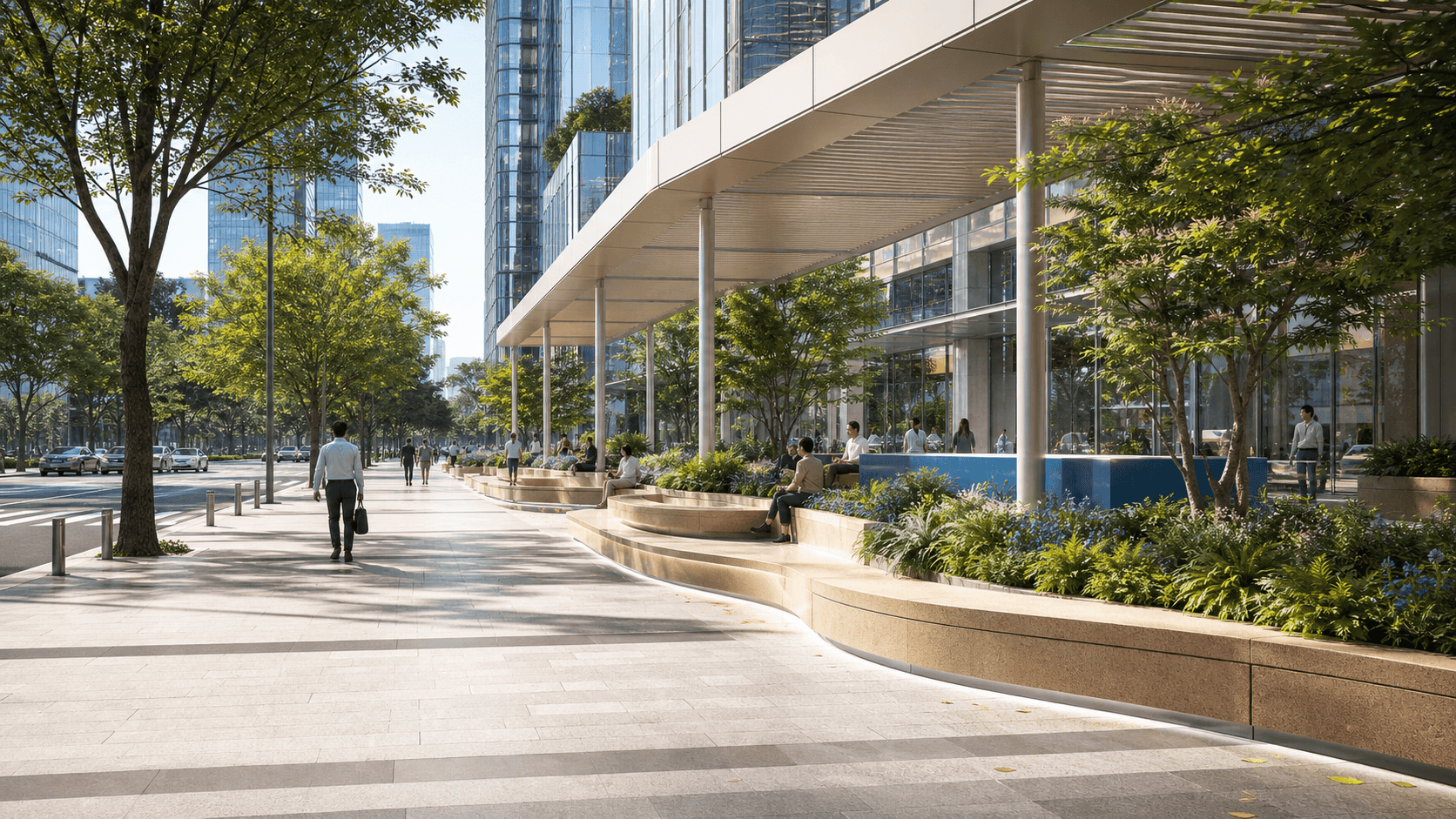
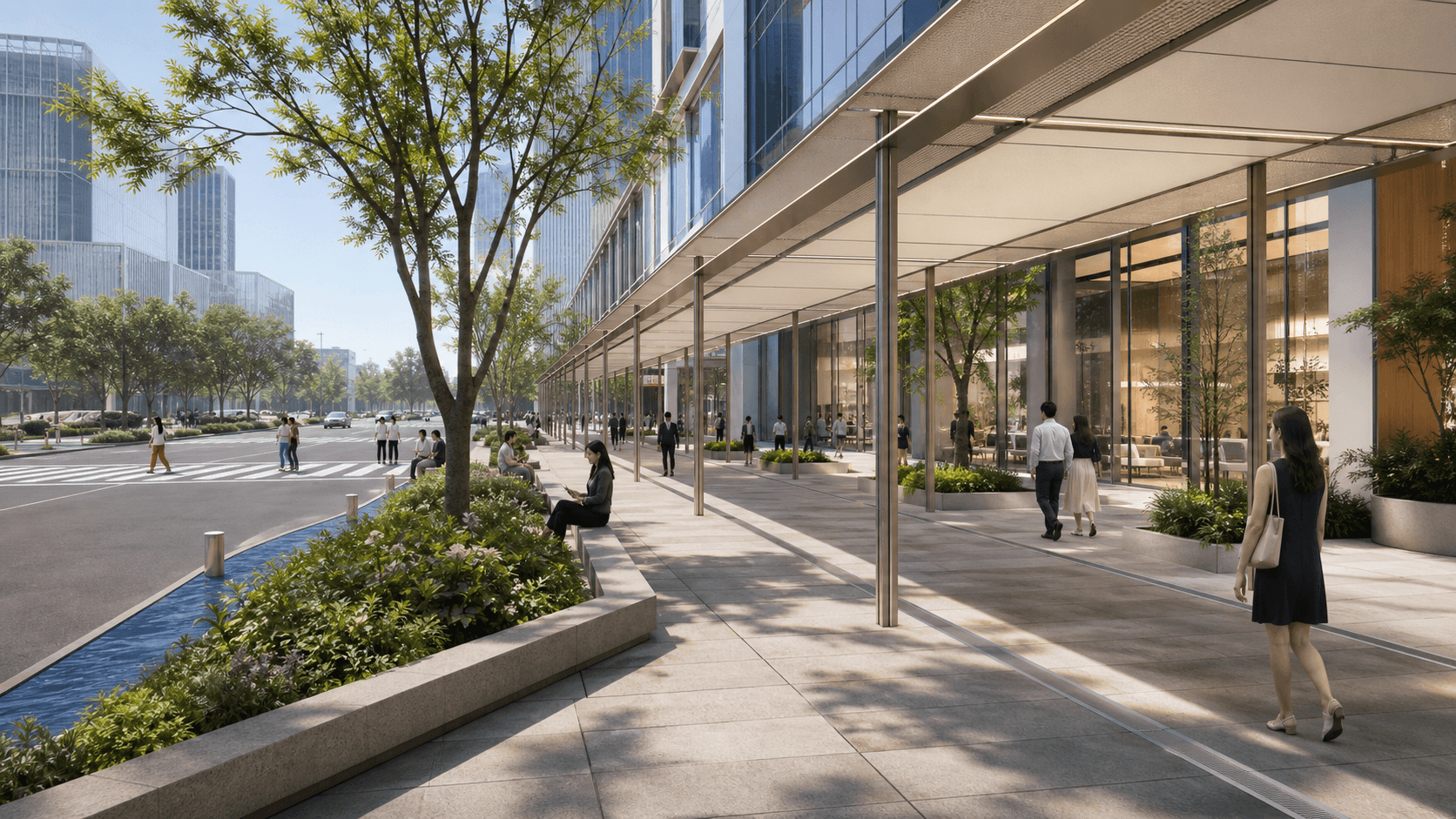
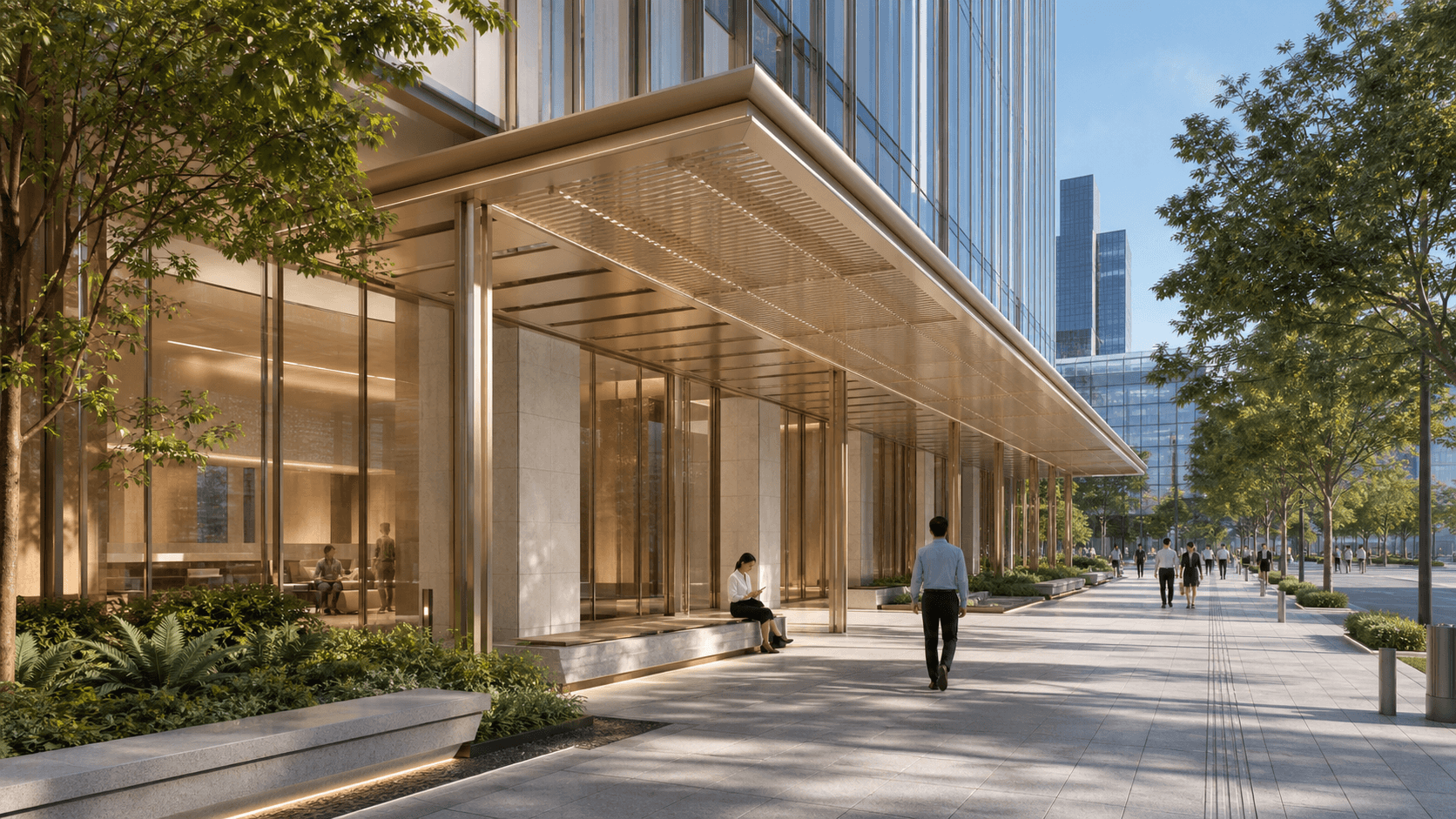
Architect note · selected
Keep the civic terrace. Refine the sheltered edge.Decision 04 · retained on board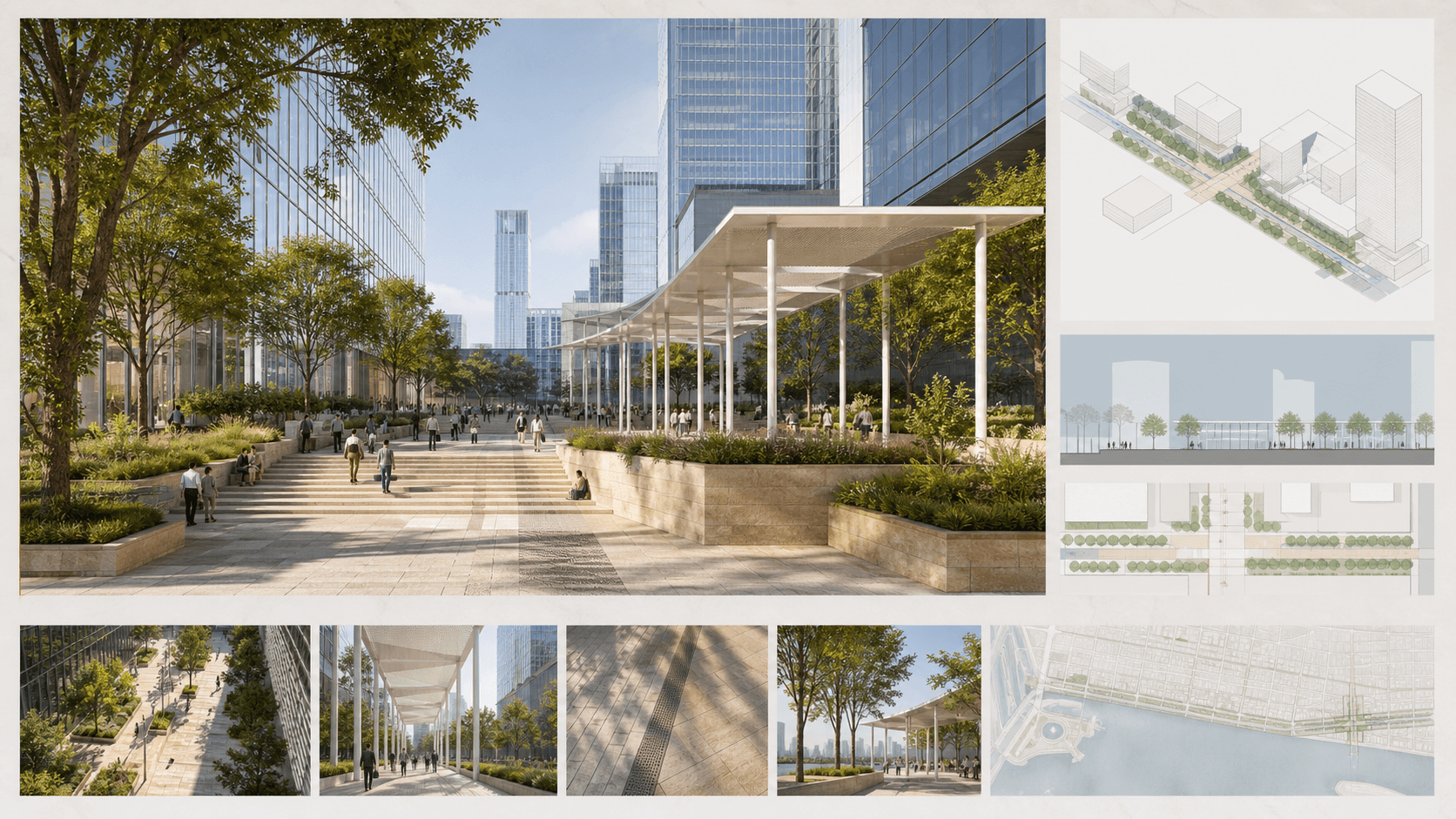
One project · six decisions
01 / 06
Sketches, references, and the live brief arrive on one shared board.
Architect adds the project context
02 / 06
Novie turns open material into a short, visible question for the next decision.
Architect confirms the question
03 / 06
Three directions develop beside the source material, ready to compare in context.
Architect chooses what to explore
04 / 06
One direction stays central while notes and revisions remain attached to the work.
Architect marks the decision
05 / 06
The selected work resolves into a clear review board for the next conversation.
Architect prepares the review
06 / 06
The complete project trail stays visible. Nomavek organises it; the architect authors it.
Architect keeps creative control
Architect in control
Nomavek provides the workspace, setup, and product support. It does not join the client’s creative process or make design decisions for the architect.
References, notes, and outputs remain together while the project develops.
Useful directions sit side by side instead of becoming disconnected generations.
Nomavek supports the working process without entering the client’s creative decisions.
Private first release
We are opening one or two private CoWork spaces for architects with a suitable live project and an interest in shaping the product through direct feedback.